
Digital Financial Literacy
Boost your online banking safety in NZ! Learn best practices, understand digital payments, and master tips to avoid financial scams with our expert guide.
mangerebudgeting.org.nz
What You Will Learn
Boost your online banking safety in NZ! Learn best practices, understand digital payments, and master tips to avoid financial scams with our expert guide.
In an increasingly digital world, managing your money online has become not just convenient, but often essential. From paying bills and transferring funds to shopping and saving, digital financial services offer unparalleled ease. However, this convenience comes with a critical responsibility: ensuring your online banking safety in NZ. For the communities of South Auckland, understanding how to navigate this landscape securely is key to building lasting financial resilience.
At Mangere Budgeting Services, we empower individuals and families with the knowledge and tools to manage their finances wisely. This comprehensive guide is designed to equip you with the essential digital financial literacy needed to protect your hard-earned money from scams, fraud, and cyber threats. Dive in to learn best practices, understand various payment methods, and arm yourself against common online pitfalls.
Best Practices for Safe Online Banking and Transactions
Your financial well-being hinges on the security of your online transactions. Adhering to fundamental safety practices is paramount for anyone engaging with digital banking. Let’s explore the essential steps to ensure your online banking safety in NZ.
1. Use Strong, Unique Passwords
Think of your password as the digital key to your financial vault. It needs to be complex and unique. A strong password combines uppercase and lowercase letters, numbers, and symbols. Avoid using easily guessable information like birthdays, pet names, or sequential numbers. Critically, use a different password for each online banking account and other important services. If one account is compromised, the others remain safe.
Expert Tip: Consider using a reputable password manager to securely generate and store complex, unique passwords for all your online accounts. This reduces the burden of remembering many different combinations.
2. Enable Two-Factor Authentication (2FA)
Two-Factor Authentication (2FA), sometimes called multi-factor authentication (MFA), adds an extra layer of security beyond just a password. When enabled, logging into your bank account requires not only your password but also a second verification step, such as a code sent to your mobile phone, a fingerprint scan, or a confirmation through your banking app. This makes it significantly harder for unauthorised individuals to access your accounts, even if they somehow get your password. Most major New Zealand banks offer 2FA—make sure you activate it!
3. Use Secure Networks
The network you use to access online banking is as important as your password. Always use a secure, private network, such as your home Wi-Fi or mobile data, for financial transactions. Public Wi-Fi networks in cafes, airports, or libraries are often unsecured and can be easily monitored by cybercriminals looking to intercept your data. If you must use public Wi-Fi, consider using a Virtual Private Network (VPN) for an added layer of encryption.
Critical Insight: Public Wi-Fi, while convenient, is a major vulnerability for personal and financial data. Always assume unsecured public networks are compromised.
4. Regularly Monitor Your Accounts
One of the most effective ways to detect and prevent fraud is to regularly check your bank statements and transaction history. Make it a habit to log into your online banking or review your statements at least once a week. Look for any unfamiliar transactions, no matter how small. Early detection is key to limiting potential damage and allows your bank to investigate and reverse fraudulent charges quickly. Many banks offer alerts for large transactions or unusual activity—utilise these features.
5. Keep Your Software Updated
Your devices (computers, smartphones, tablets) and the software they run (operating systems, web browsers, banking apps, antivirus) are your first line of defence. Software developers constantly release updates that include security patches to fix vulnerabilities that hackers might exploit. Enable automatic updates wherever possible, or make a conscious effort to install updates as soon as they become available. Outdated software is a common entry point for malware and other cyber threats.
Understanding Digital Payment Methods and Apps
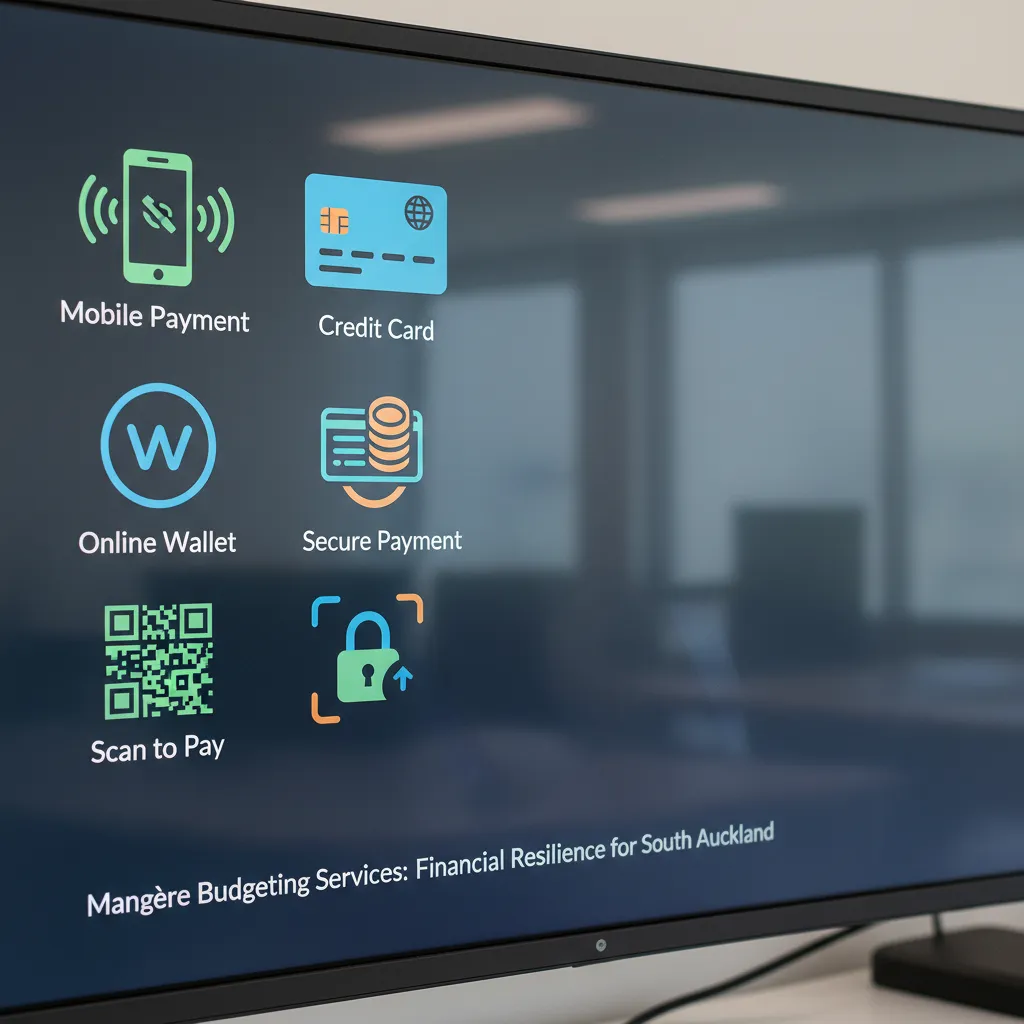
Beyond traditional online banking, a range of digital payment methods and apps have become integral to our daily financial lives. Understanding how these work and how to use them safely is another crucial component of digital financial literacy and online banking safety in NZ.
Mobile Banking Apps
Most New Zealand banks offer dedicated mobile banking apps, providing a secure and convenient way to manage your accounts on the go. These apps are generally designed with robust security features, including encryption, biometrics (fingerprint/face ID), and PIN protection. Always download official banking apps directly from your device’s app store (Google Play Store or Apple App Store) and ensure they are kept updated. Never download apps from unverified sources. Secure your mobile device with a strong PIN, pattern, or biometric lock.
Contactless Payments (PayWave/PayPass)
Contactless payment methods, such as Visa PayWave or Mastercard PayPass, allow you to make small purchases by simply tapping your card or smartphone at a compatible terminal. These transactions are encrypted, and for larger amounts, a PIN or signature is still required. While generally secure, always be mindful of your surroundings when tapping, and ensure you receive a transaction receipt to verify the correct amount has been charged. Regularly check your bank statements for any unauthorised contactless transactions.
Online Payment Platforms (e.g., PayPal, Afterpay)
Third-party payment platforms like PayPal, Stripe, and buy-now-pay-later services such as Afterpay and Zip, offer convenient ways to shop online or split payments. While these platforms have their own security measures, your vigilance is still key. Always use strong, unique passwords for these accounts, and enable 2FA if available. Be cautious about linking directly to your primary bank account; consider using a credit card or a dedicated low-balance account for online purchases to limit exposure in case of a breach. Always read the terms and conditions, especially for buy-now-pay-later services, to understand fees and repayment schedules.
Security Insight: When using third-party payment platforms, ensure their privacy policies and security measures align with your expectations. Only connect these services to financial accounts you actively monitor.
Tips for Avoiding Online Financial Scams and Fraud
Despite our best efforts, scammers are always evolving their tactics. Staying informed and adopting a cautious mindset are your strongest defences against online financial scams and fraud. Here’s an action checklist to safeguard your digital finances and enhance your online banking safety in NZ.
Stat Callout:
According to CERT NZ’s quarterly report for Q4 2023, there were 4,289 cyber security incidents reported in New Zealand, with direct financial losses exceeding $16.9 million. A significant portion of these were phishing and scam-related. Your vigilance is crucial!
Be Wary of Phishing Attempts
- Check the Sender: Always scrutinise the sender’s email address. Scammers often use addresses that look similar to legitimate ones but have subtle differences.
- Look for Red Flags: Be suspicious of poor grammar, spelling mistakes, generic greetings (“Dear Customer”), or an overly urgent tone.
- Hover Before You Click: Before clicking any link, hover your mouse over it to see the actual URL. If it doesn’t match the expected website, do not click.
- Never Download Attachments: Be extremely cautious about downloading attachments from unexpected or suspicious emails, as they can contain malware.
Verify Unexpected Requests
- Don’t Act on Impulse: If you receive an unexpected call, email, or text message claiming to be from your bank, the police, IRD, or a utility company asking for personal or financial details, be skeptical.
- Contact Directly: Instead of using contact details provided in the suspicious message, find the official contact number for the organisation (e.g., from their official website or a previous statement) and call them directly to verify the request.
- Beware of Urgency and Threats: Scammers often use pressure tactics, threatening account closure or legal action, to force you into immediate action. Legitimate organisations rarely operate this way.
Never Share Your Passwords or PINs
- Banks Won’t Ask: Your bank will never ask for your full password, PIN, or any one-time verification codes via email, text, or phone call. This is a fundamental security rule.
- Keep it Private: Treat your passwords and PINs as confidential as your physical cash. Do not write them down where others can find them, and never share them with anyone, even family members.
Only Use Secure Websites for Transactions
- Check for HTTPS and Padlock: Before entering any sensitive information, ensure the website address begins with ‘https://’ and you see a padlock icon in your browser’s address bar. This indicates a secure, encrypted connection.
- Avoid Untrusted Sites: Be cautious of websites that look unprofessional, have poor grammar, or offer deals that seem too good to be true. These are often indicators of scam sites.
Report Suspicions Immediately
- Contact Your Bank: If you suspect any fraudulent activity on your account or have accidentally shared details, contact your bank immediately. They can help secure your accounts and investigate.
- Report to CERT NZ: Report all cyber security incidents, including scams and phishing attempts, to CERT NZ (Computer Emergency Response Team New Zealand). This helps track and combat cybercrime nationwide.
- Notify the Police: For significant financial losses or identity theft, also report the incident to the New Zealand Police.

Conclusion
Navigating the digital financial landscape requires a combination of knowledge, vigilance, and adherence to best practices. By understanding and implementing the strategies for online banking safety in NZ, embracing secure digital payment methods, and arming yourself against evolving scams, you can confidently manage your finances online.
At Mangere Budgeting Services, we are committed to fostering financial resilience within our South Auckland communities. We encourage you to stay informed, ask questions, and reach out for support if you ever feel uncertain about your digital financial security. Your financial safety is paramount, and together, we can build a more secure digital future.
Frequently Asked Questions
What is the most important thing to remember for online banking safety in NZ?
The most important thing is vigilance and strong password hygiene, combined with enabling two-factor authentication (2FA) wherever possible. Always question suspicious emails or calls.
How do I know if an online banking website is secure?
Always look for ‘https://’ at the beginning of the website address in your browser’s URL bar, and a padlock icon next to it. This indicates a secure, encrypted connection.
What should I do if I suspect I’ve been scammed online?
Immediately contact your bank to report the suspicious activity. Then, report the scam to CERT NZ (Computer Emergency Response Team New Zealand) or the New Zealand Police.
Are mobile banking apps safer than browser banking?
Generally, official mobile banking apps are designed with robust security features and operate in a more controlled environment than web browsers, often making them a safer option, provided your device is secure and apps are updated.
Can public Wi-Fi be used for online banking?
It is strongly advised to avoid using public Wi-Fi networks for online banking or any sensitive financial transactions. These networks are often unsecured and can be easily intercepted by cybercriminals. Use your mobile data or a trusted private network instead.
References & Sources
- CERT NZ. (2024). Official Website.
- New Zealand Banking Association (NZBA). (Various publications). Financial Safety Resources.
- Department of Internal Affairs (DIA). (Ongoing). Scams and Fraud Information.
- Reserve Bank of New Zealand (RBNZ). (Information on financial stability and digital currency). Official Website.