
Digital Budgeting Tools & Guides
Discover the best free budgeting app NZ options and guides to master your finances. Learn to create a household budget with Mangere Budgeting’s expert tools & tips.

mangerebudgeting.org.nz
What You Will Learn
Discover the best free budgeting app NZ options and guides to master your finances. Learn to create a household budget with Mangere Budgeting’s expert tools & tips.
Taking control of your finances is a powerful step towards achieving your goals and building a secure future. In today’s digital age, managing money has never been easier, thanks to a plethora of innovative tools. If you’re in New Zealand and looking for smart ways to track your spending and savings, you’re likely searching for a free budgeting app NZ that genuinely makes a difference. This comprehensive guide from Mangere Budgeting will walk you through the best digital budgeting tools, including our own interactive planner, and provide expert tips to master your money management.
We understand that navigating personal finance can feel overwhelming, but with the right digital resources, you can transform your financial habits. From understanding your income and expenses to setting achievable financial goals, we’re here to empower you with the knowledge and tools you need for financial wellbeing.
Table of Contents
- Mangere Budgeting’s Interactive Budget Planner
- Tips for Using Budgeting Apps Effectively
- Choosing the Right Free Budgeting App NZ
- Creating a Household Budget Step-by-Step
- Understanding Your Income and Expenses
- Frequently Asked Questions (FAQ)
- References/Sources
Mangere Budgeting’s Interactive Budget Planner
At Mangere Budgeting, we believe that everyone deserves access to practical tools that foster financial literacy and stability. That’s why we’ve developed our own user-friendly, interactive Budget Planner, specifically designed to help New Zealanders take control of their money. This tool isn’t just a spreadsheet; it’s a dynamic resource that adapts to your unique financial situation, helping you visualise where your money goes and identify areas for improvement.
Our planner helps you input your income sources, list all your expenses (fixed and variable), and categorise them effectively. It’s an excellent starting point, especially if you’re new to budgeting or prefer a local resource that understands the specific financial landscape of New Zealand. You’ll gain clear insights into your cash flow, helping you make informed decisions about your spending and saving habits. Best of all, it’s a completely free budgeting tool NZ residents can rely on.
Tips for Using Budgeting Apps Effectively
Simply downloading a free budgeting app NZ won’t magically solve your financial woes. The real magic happens when you use it consistently and strategically. Here are our expert tips to get the most out of any digital budgeting tool:
-
1. Set Clear Financial Goals
Before you start tracking, define what you want to achieve. Are you saving for a house deposit, reducing debt, or planning a holiday? Clear goals provide motivation and help you allocate funds effectively within your app.
-
2. Be Realistic with Your Budget
Don’t create an overly restrictive budget that’s impossible to follow. Start with a realistic assessment of your spending and adjust gradually. An app can show you where you’re overspending, allowing for gentle corrections.
-
3. Track Every Dollar
For the first few weeks, aim to log every single transaction. Many apps offer bank integration for automatic tracking, but manual entry for cash expenses ensures accuracy. This practice reveals hidden spending patterns.
-
4. Review Regularly and Adjust
Your budget isn’t set in stone. Life happens! Schedule weekly or monthly check-ins with your budgeting app. Review your progress, identify categories where you’re over or under budget, and make necessary adjustments.
-
5. Automate Savings
Most budgeting apps integrate with bank accounts. Use this feature to automate transfers to your savings goals as soon as you get paid. “Pay yourself first” is a cornerstone of financial success.
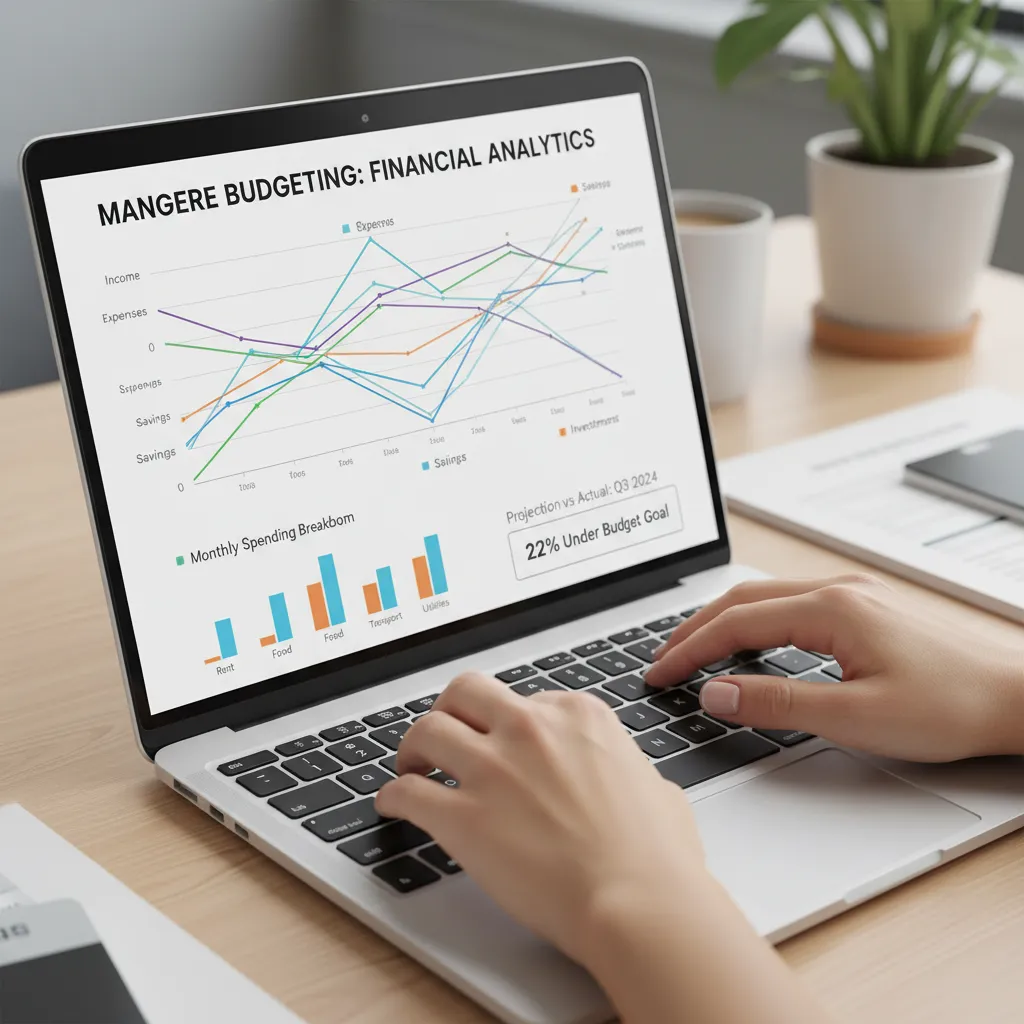
“The key to effective budgeting isn’t about restriction; it’s about awareness and intentional spending. Digital tools are your most powerful allies in this journey.” – Mangere Budgeting Expert
Choosing the Right Free Budgeting App NZ
With several options available, finding the ideal free budgeting app NZ citizens can use effectively might seem daunting. The ‘best’ app depends on your personal preferences and needs. Here’s a comparison of common app types to help you choose:
| App Type | Key Features | Best For | Considerations |
|---|---|---|---|
| Simple Trackers | Manual entry, basic categorisation, expense logging. | Beginners, those wanting full manual control, privacy-focused users. | Requires discipline for consistent manual entry. |
| Bank-Linked Apps | Automatic transaction import, categorisation, spending insights. | Busy individuals, those wanting detailed financial overviews with minimal effort. | Requires sharing bank login credentials (secure APIs). |
| Envelope System Apps | Allocates specific amounts to ‘envelopes’ for categories, zero-based budgeting. | Users who struggle with overspending in specific categories, disciplined budgeters. | Can feel restrictive initially, requires strict adherence. |
| Spreadsheet-Based (e.g., Google Sheets/Excel templates) | Highly customisable, detailed calculations, no third-party access. | Advanced users, those who enjoy data manipulation, privacy advocates. | Steeper learning curve, no automatic bank integration. |
When evaluating a free budgeting app NZ, look for features like ease of use, robust security, reporting capabilities, and whether it aligns with your preferred budgeting method. Read reviews and consider starting with a simple option before upgrading if needed.
Creating a Household Budget Step-by-Step
Whether you choose Mangere Budgeting’s planner or another free budgeting app NZ, the core principles of creating a household budget remain the same. Follow these steps to build a solid financial foundation:
-
1. Calculate Your Monthly Income
Gather all sources of income for your household – salaries, benefits, side hustles, etc. Calculate your total after-tax income for the month. Be precise.
-
2. List All Fixed Expenses
These are expenses that generally stay the same each month: rent/mortgage, loan repayments, insurance premiums, subscriptions, and utilities (if on a fixed plan). List them out with their exact amounts.
-
3. Track Your Variable Expenses
This is where many budgets go awry. Variable expenses fluctuate: groceries, transport, dining out, entertainment, clothing. For the first month, just track them diligently using your chosen app. Don’t try to budget them yet, just observe.
-
4. Categorise and Allocate Funds
After a month of tracking variable expenses, you’ll have an average. Now, in your budgeting tool, allocate a realistic amount for each variable category. This is often where you can find opportunities to save.
-
5. Set Aside for Savings and Debt Repayment
Treat savings and debt repayments as non-negotiable fixed expenses. Decide on a percentage or a fixed amount to allocate to these goals each month. Remember the “pay yourself first” principle.
-
6. Monitor and Adjust
Your budget is a living document. Regularly compare your actual spending to your budgeted amounts. If you consistently overspend in one area, either adjust your budget or find ways to cut back. If you have surplus, allocate it to savings or debt.

Understanding Your Income and Expenses
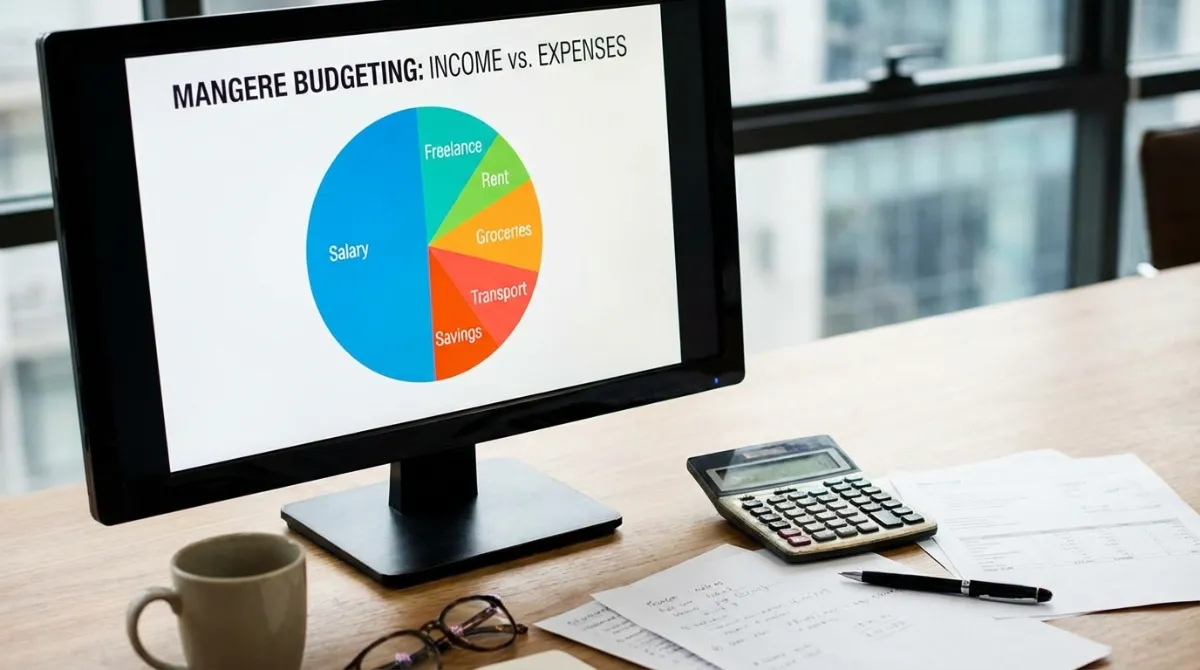
A foundational element of successful budgeting, especially when using a free budgeting app NZ, is a clear understanding of your personal financial landscape. This means dissecting your income and categorising your expenses precisely.
Income: This isn’t just your main paycheck. Include any secondary income, government benefits, child support, or rental income. Knowing your total income for the month provides the baseline for all budgeting decisions.
Expenses:
- Fixed Expenses: These are usually the same amount every month and are harder to change in the short term. Examples include mortgage/rent, loan repayments, insurance, and regular subscriptions (e.g., Netflix, gym memberships).
- Variable Expenses: These fluctuate month-to-month and offer the most flexibility for cuts. Groceries, transport costs, dining out, entertainment, and clothing fall into this category. Your budgeting app will be invaluable here for tracking and identifying patterns.
- Discretionary Spending: This is money spent on non-essential items or activities that you can easily cut back on if needed. It’s often where the biggest savings can be found.
Understanding these distinctions allows you to strategically adjust your spending, prioritise needs over wants, and work towards your financial goals with greater efficiency. A good free budgeting app NZ will provide reports and visualisations that make these distinctions crystal clear.
Frequently Asked Questions (FAQ)
Q: What is the best free budgeting app NZ available?
A: The ‘best’ app depends on your needs. For simple tracking and manual control, our own Mangere Budgeting Interactive Budget Planner is an excellent local option. Other popular free options might include basic spreadsheet templates or apps offered by your bank, but always check their features and privacy policies.
Q: Are free budgeting apps safe to use with my bank details?
A: Reputable free budgeting apps that offer bank integration use secure, encrypted connections (APIs) and often employ multi-factor authentication. Always choose apps with strong privacy policies and good reviews, and never share your banking passwords directly. Our Mangere Budgeting Planner does not require bank details for use.
Q: How often should I update my budget in a digital tool?
A: Ideally, you should aim to review and update your budget at least once a week. This allows you to catch any discrepancies early, adjust spending as needed, and stay on track with your financial goals. Major adjustments should be considered monthly or whenever your income or expenses significantly change.
Q: Can a budgeting app help me save money for specific goals?
A: Absolutely! Many digital budgeting tools allow you to set specific savings goals (e.g., house deposit, new car, holiday) and track your progress towards them. They can even suggest how much you need to save each month to reach your goal by a certain date, making it much easier to visualise and achieve.